


PEP Archive
The database contains the full-text of classic psychoanalytic texts, including the Freud Standard Editions
What is PEP Archive?
PEP Archive is a valuable resource of full-text psychoanalytic papers, and includes:
- journal articles from key psychoanalytic journals going back to 1913, including early issues of The International Journal of Psychoanalysis
- classic psychoanalytic books, including the complete Freud’s Standard Edition
- some archive video interviews with influential analysts and therapists
Saving from PEP Archive
Saving items as PDFs workaround
Full-text items are not available for direct download as PDFs from PEP Archive. But if you are happy to take a couple of extra steps, you can follow this workaround to save as a PDF:
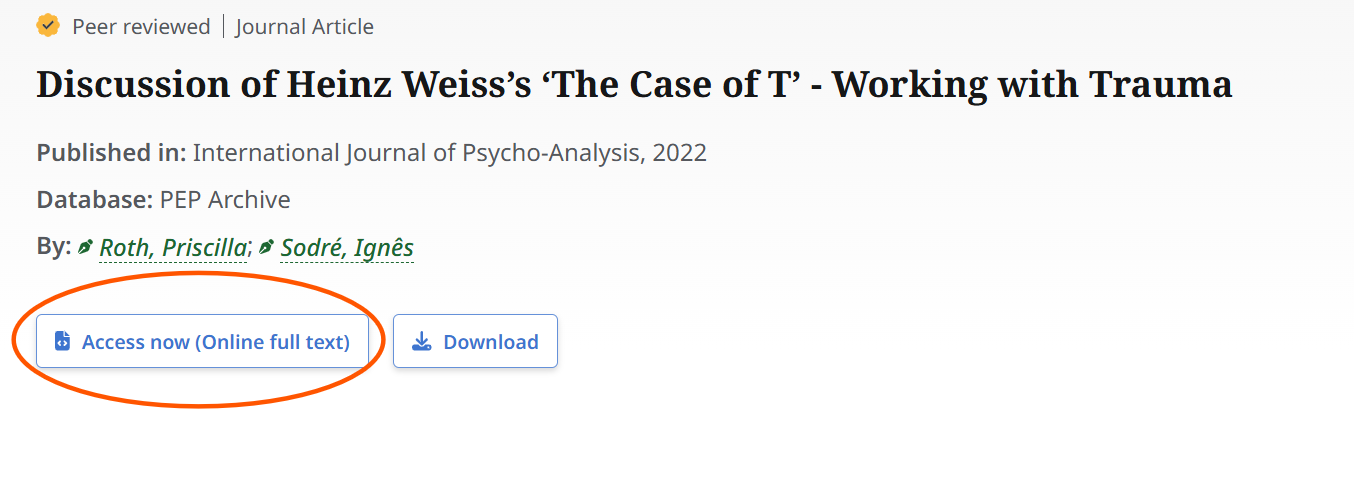
- Click the Access now (Online full text) button to reveal the document.
2. On the full-text screen, use Control + P or File > Print to open a print dialogue box. Instead of sending the document to a printer, change to Save as PDF or Microsoft Print to PDF in the dropdown options in the on-screen print box, then click ‘Save’.

Saving items as web pages
You can directly download articles to your device as web page files by clicking the download button at the top of any full-text page (circled in the screenshot below). You will be able to open these files in a web browser later, without needing to be online or to visit the PEP Archive site.

Printing from PEP Archive
Before printing, please be aware that some ebooks within PEP Archive contain the whole book as one very long web page. You might find it more suitable to use the copy/paste method below in those cases.
Copy/paste to Microsoft Word or similar
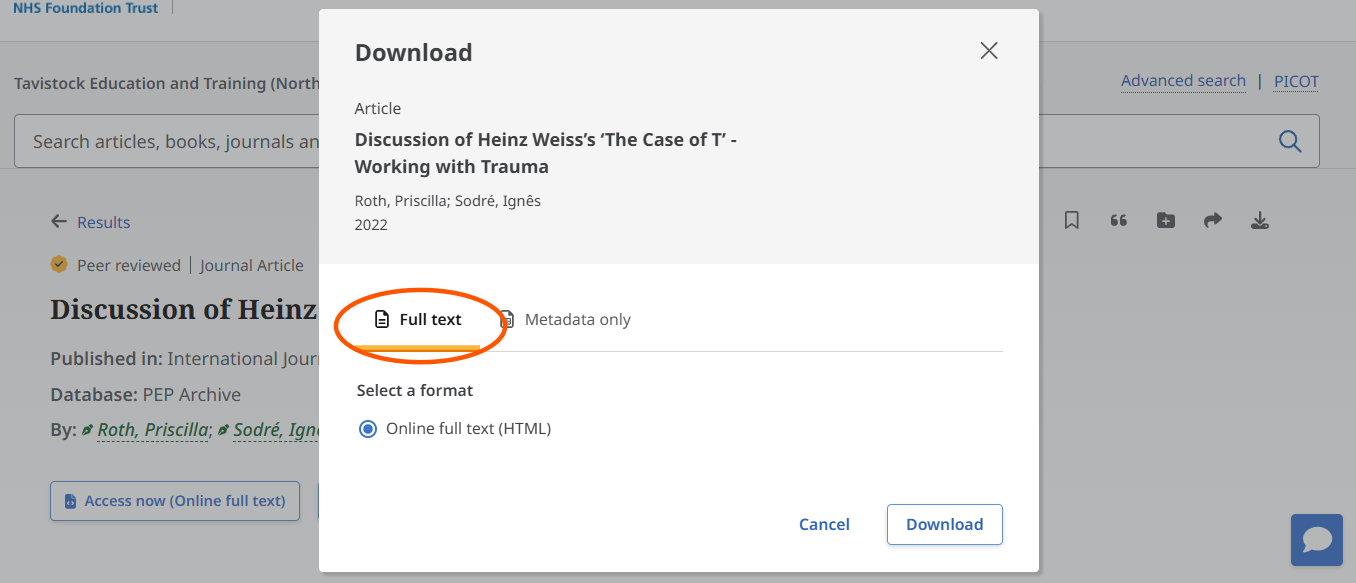
To print out just a section of the text of a long document, first click the download button from the tool bar.
Select the download full text option to get a saved html file.
Open the saved file and highlight the section that you want of the full-text screen.
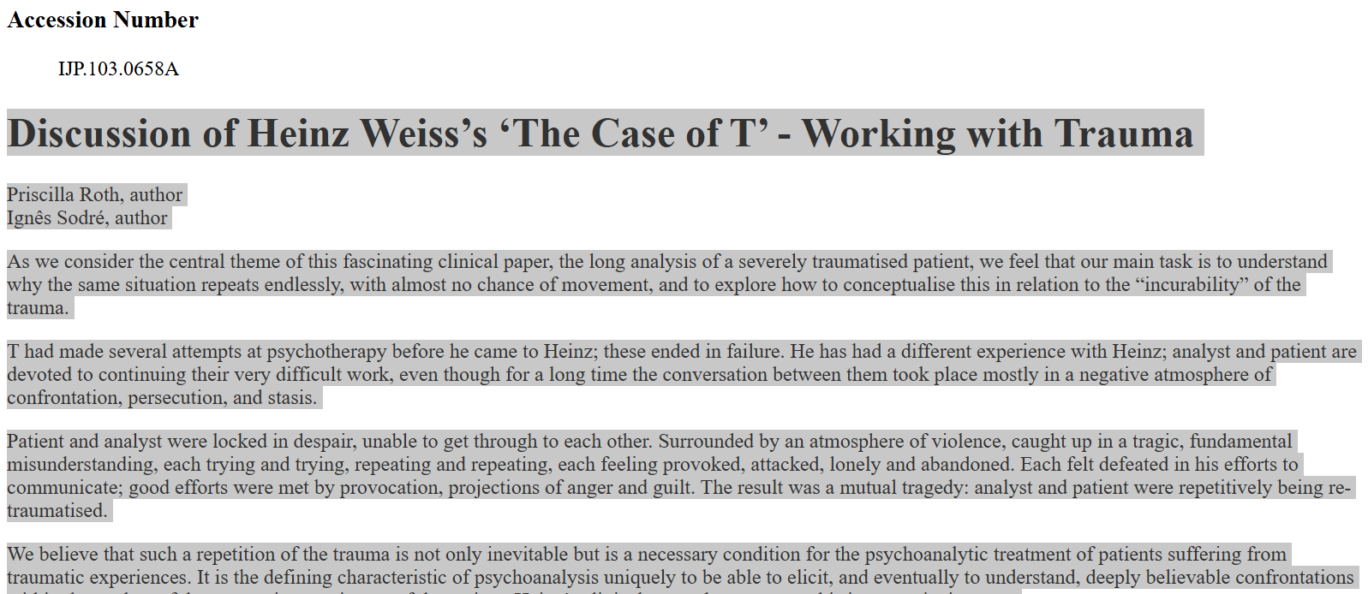
Use Ctrl + C to copy, then Ctrl + V to paste into a Word document then print the text from the document.
Navigating ebooks
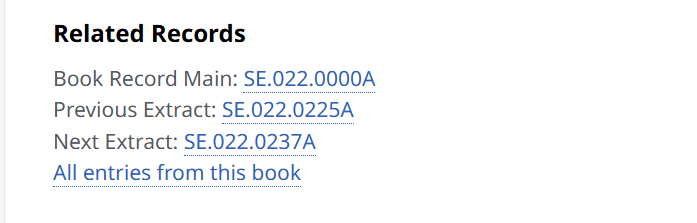
Books on PEP Archive can be presented as either one long document or separate chapters. When in a separate chapter, you can find the other chapters in the book by scrolling the record page with the author information down to the ‘related records’ heading. Click ‘all entries from this book’ for a list of all of them, or ‘previous extract’ or ‘next extract’.